
 Free and open source
Download Atomik Rack
The free, open-source rack DAW for Windows, Linux and macOS. Pick your system below, or take the button that matches the computer you are on.
Latest version: v0.4.0-rc.2 pre-release
- Pre-1.0
- GPL-3.0
- Free
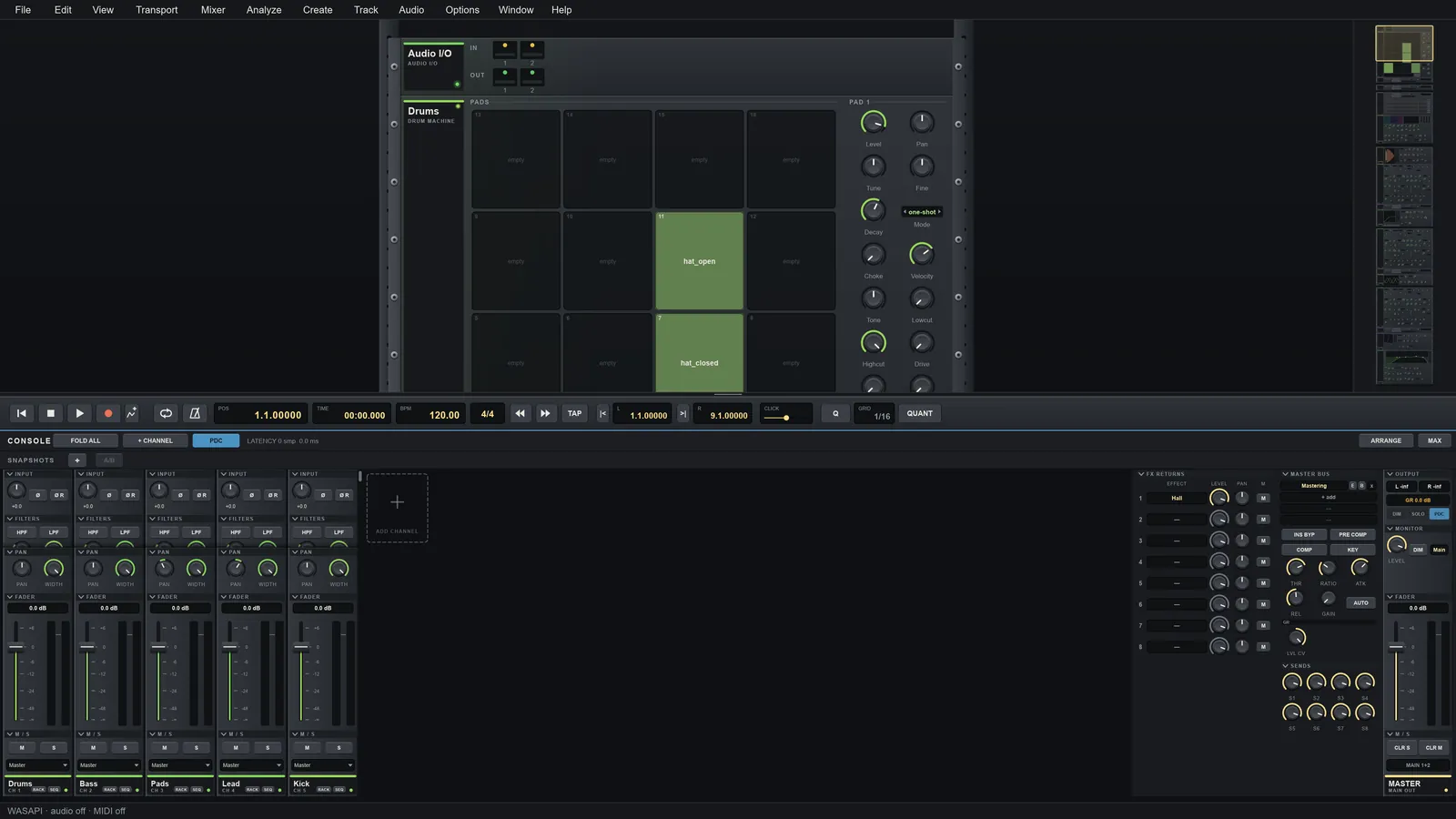
Choose your system
- Your system
Windows
x86-64
Windows 10 or 11. Run the installer, or unzip the portable archive and start atomik.exe.
- Your system
Linux
x86-64
Ubuntu 26.04 is the main target. The AppImage runs on any distribution with ALSA, fontconfig and a Vulkan or OpenGL driver.
- Your system
macOS
Apple Silicon + Intel
Universal build. Only tested on GitHub Actions so far, not on real Macs by hand: reports are welcome.
Nightly builds
A build of the main branch is published every day it changes, under the same file names. It is a pre-release: expect rough edges, and use a normal release for projects you care about.
Install in three steps
The builds are not code-signed yet, so each system warns you the first time you start Atomik Rack. That is expected.
-
Windows
Run the installer (it asks for administrator rights to install for everyone, and offers to install just for you), or unzip the portable archive and run atomik.exe. If SmartScreen says "Windows protected your PC", choose More info, then Run anyway.
-
Linux
On Debian or Ubuntu install the package with "sudo apt-get install ./atomik-rack_<version>_amd64.deb". For any distribution, make the AppImage executable with chmod +x and run it. You need a working Vulkan or OpenGL graphics driver.
-
macOS
Open the disk image and drag Atomik Rack to Applications. If macOS blocks it, right-click the app, choose Open, then Open again.
On first start a short setup helps you pick the audio device and a MIDI keyboard. Optional: install FFmpeg to import video and export MP3, AAC or Opus.
What you are about to install
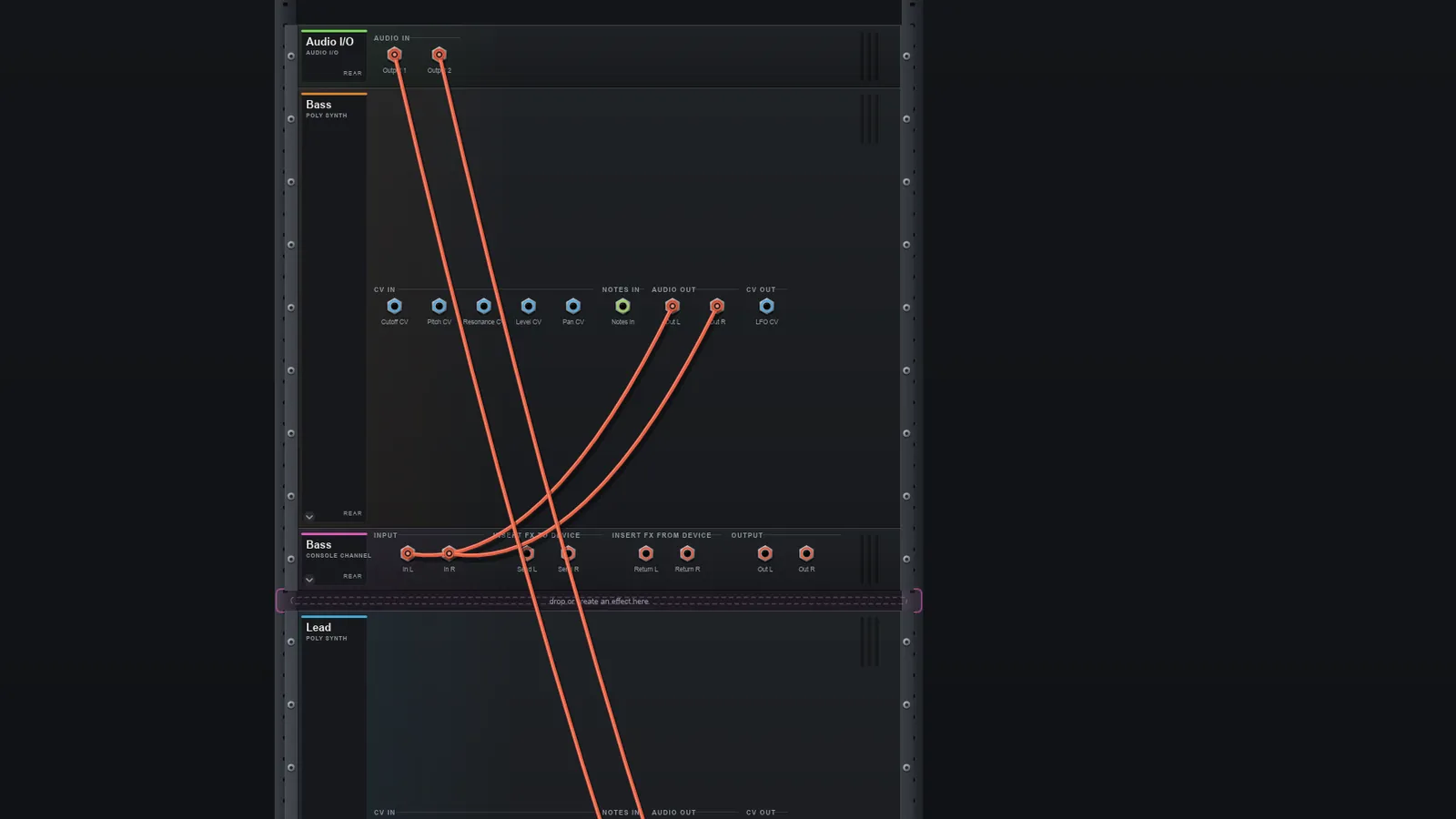
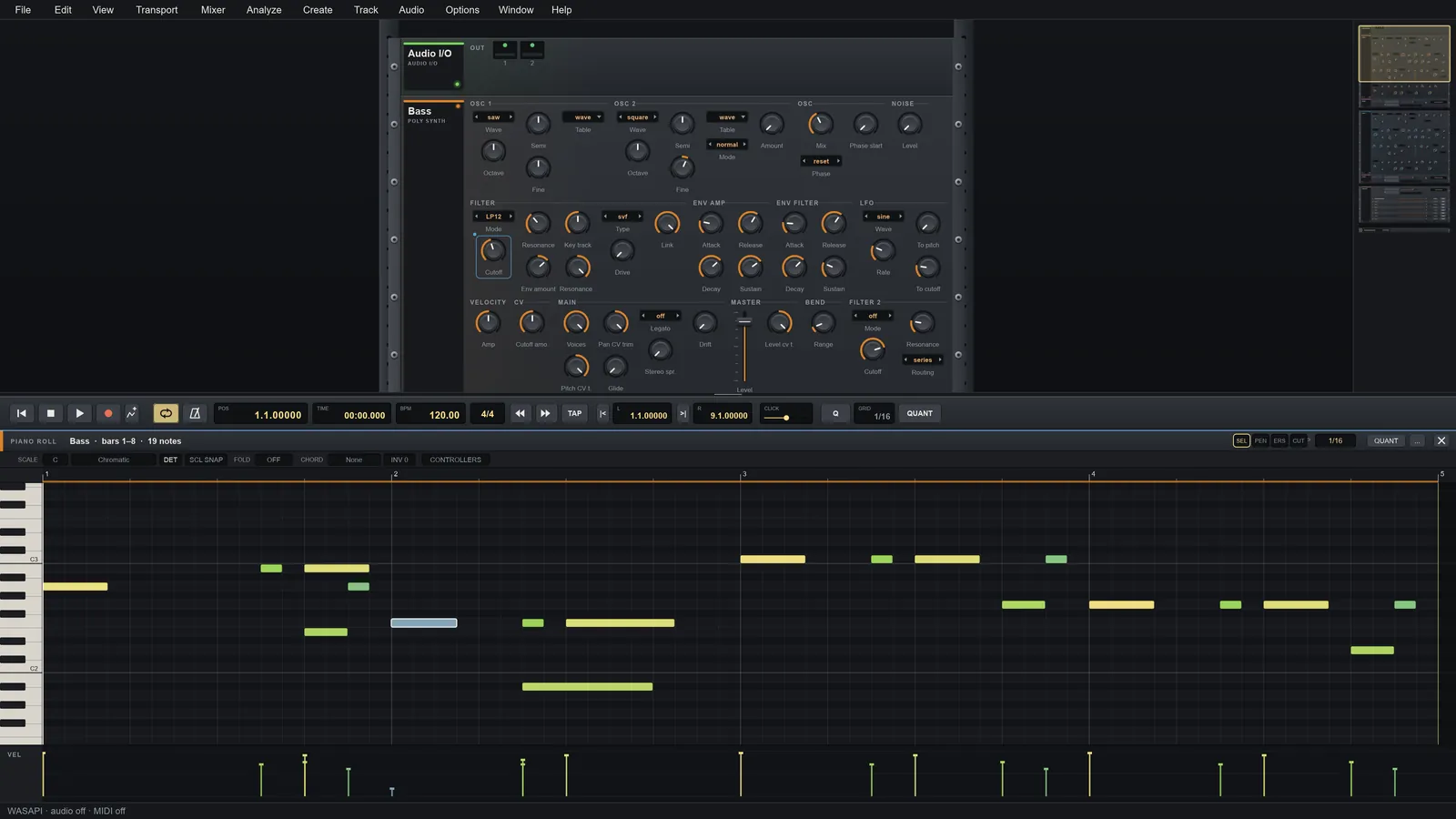
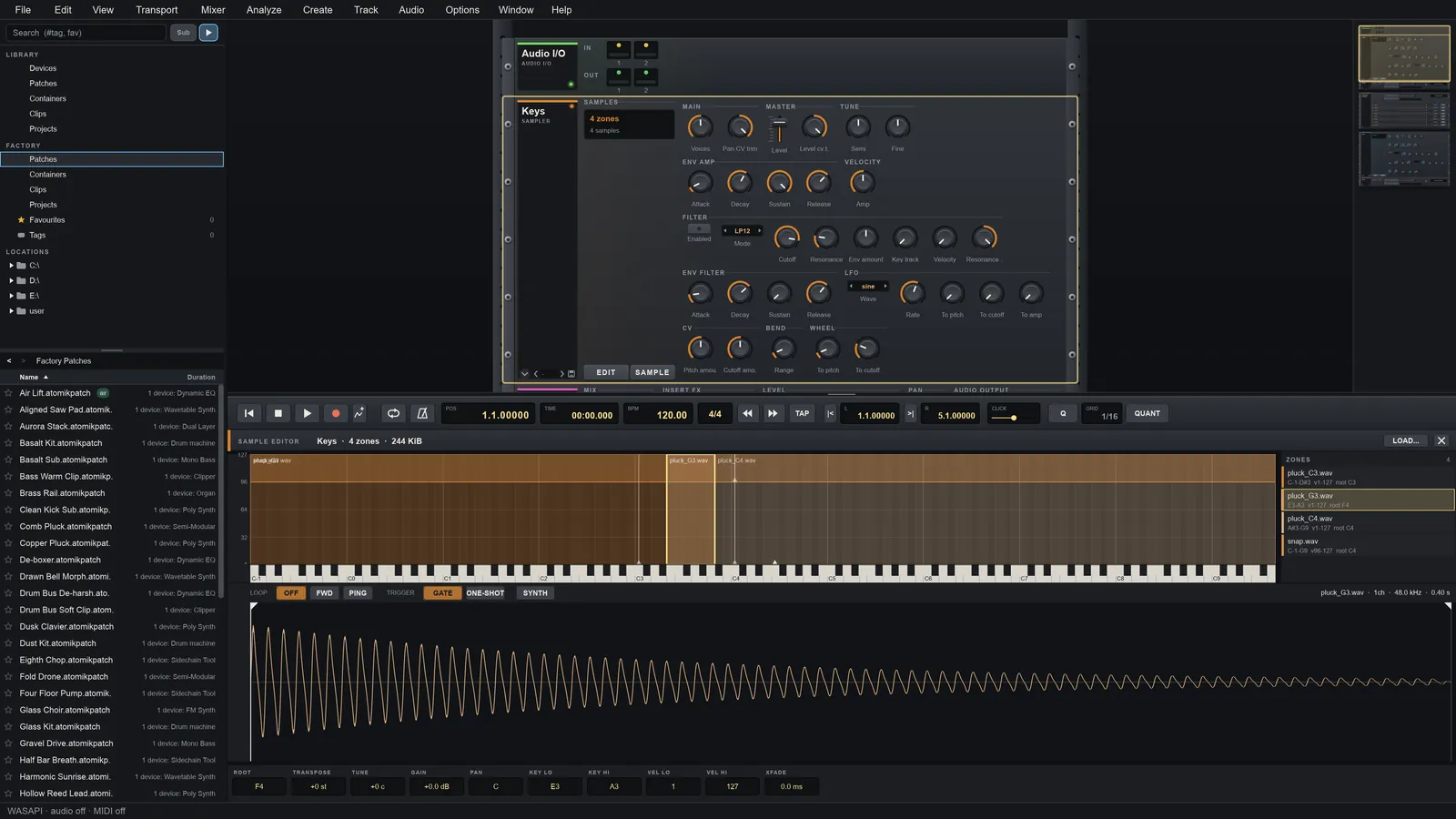
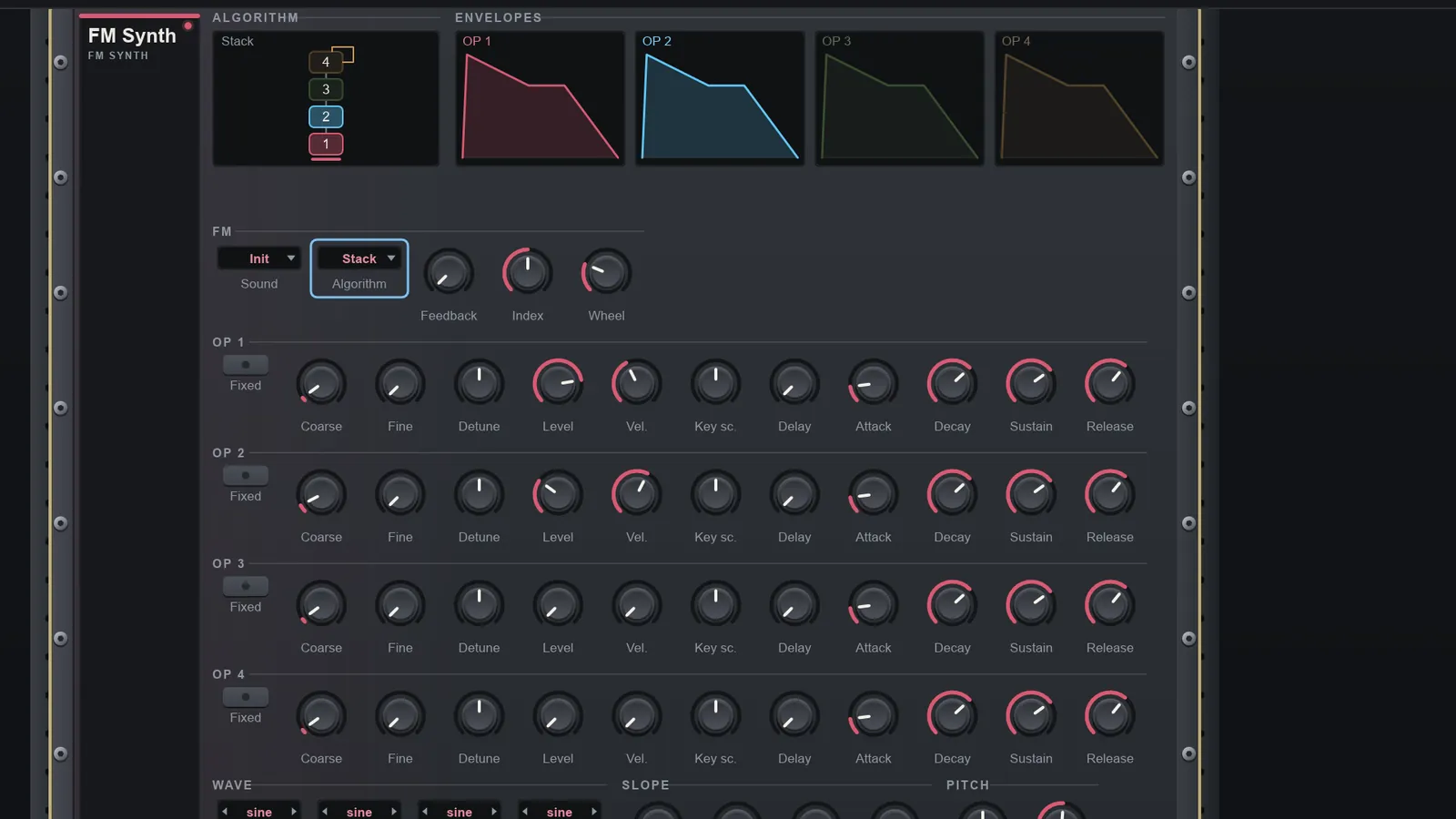
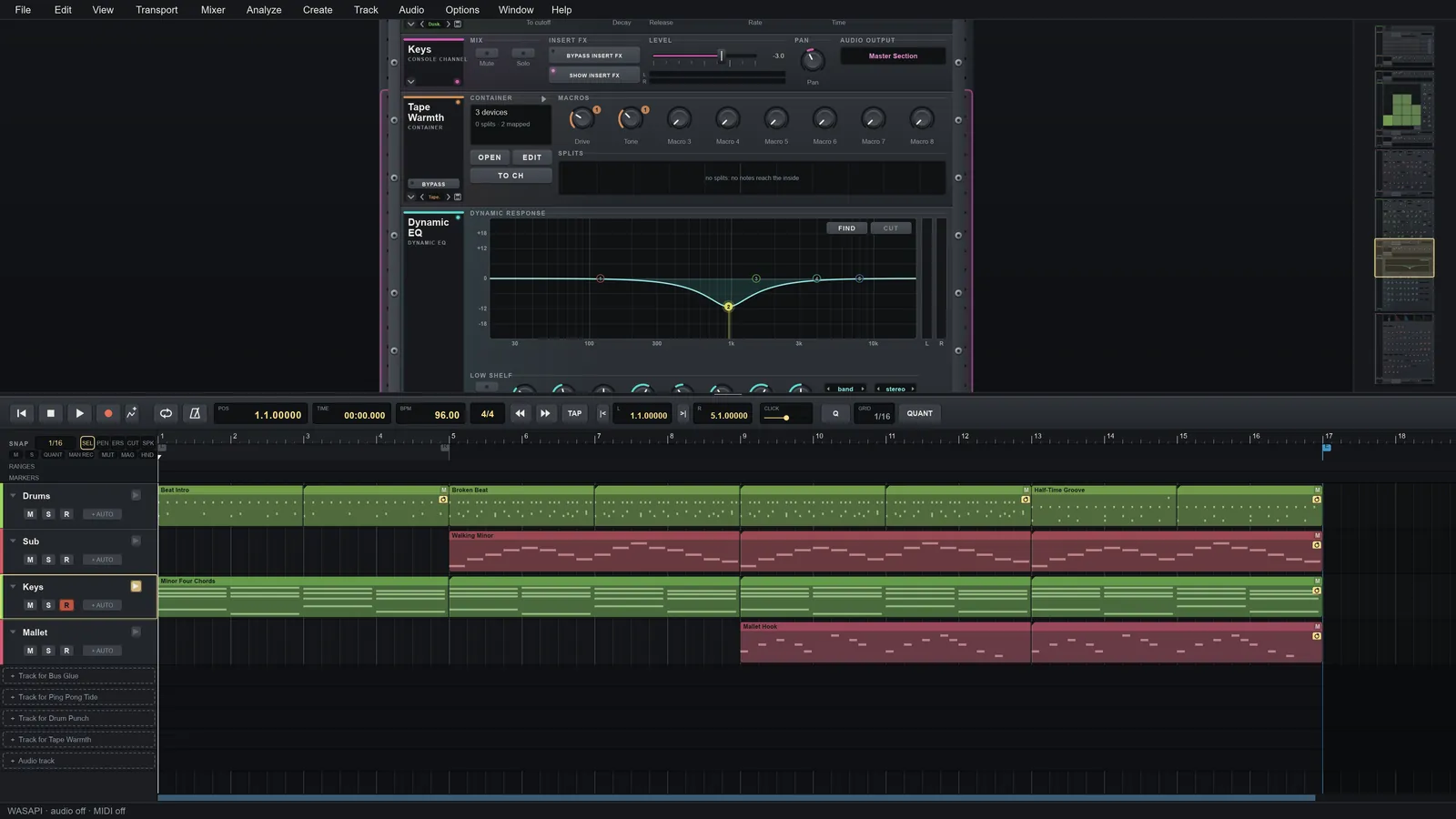
More screenshots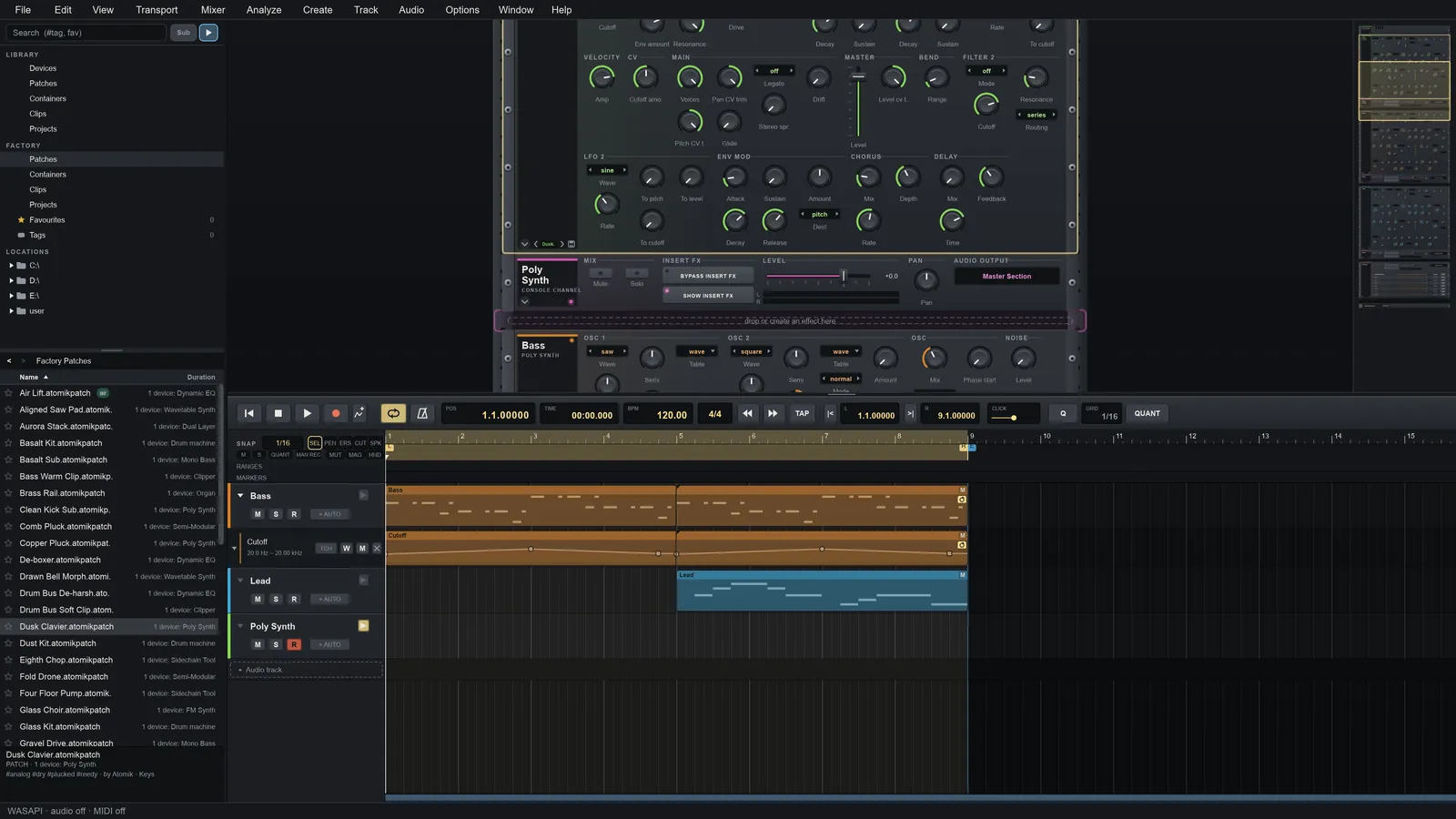
Installed? Learn it next
The video tutorials take you from a first sound to a finished song, and the whole project is open source.