

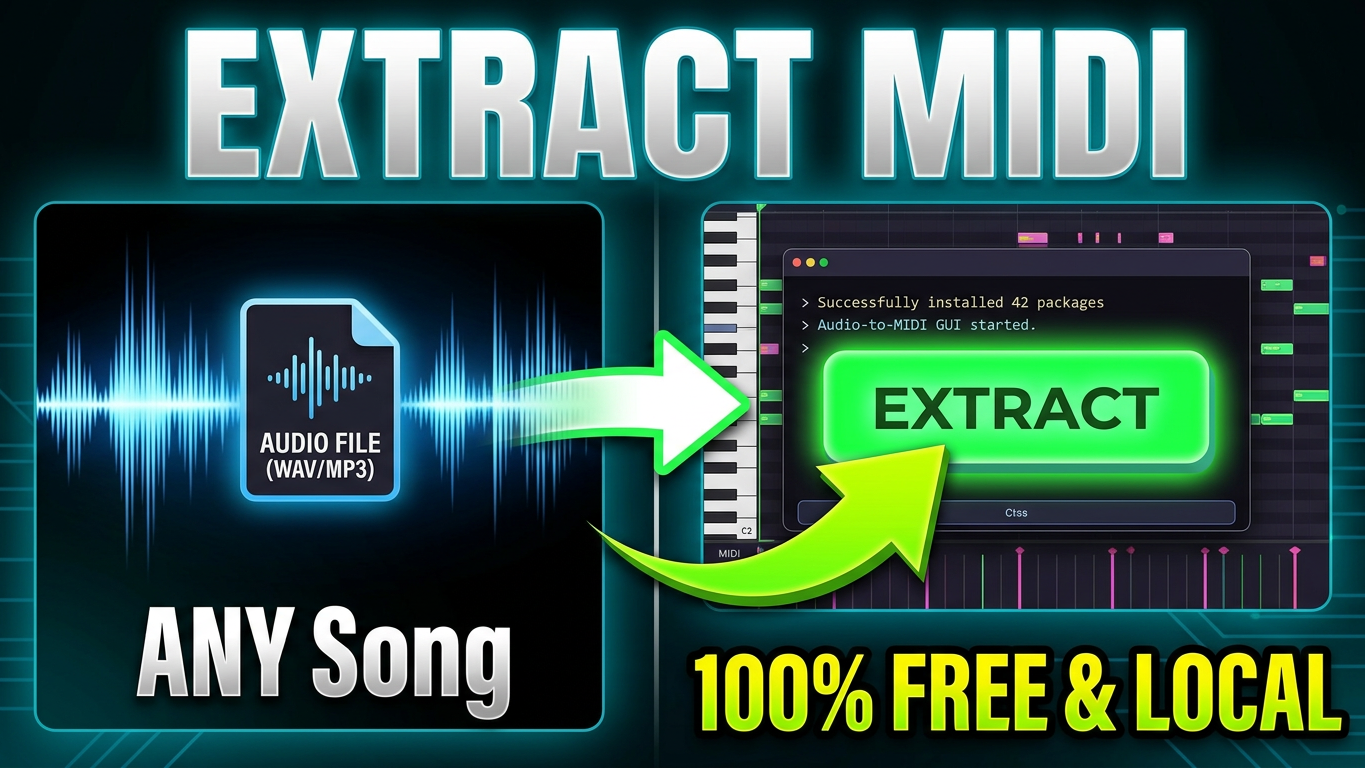
Stop Paying for Audio-to-MIDI: How to Extract Stems & MIDI for Free (100% Local)
If you’re a music producer, you’ve probably hit this wall: you hear the perfect sample, but you need the exact MIDI notes to layer your own synths, or you need isolated drums to build a new groove.
There are plenty of cloud-based audio-to-MIDI converters and stem splitters out there. The problem? They almost all charge a monthly subscription fee, and they force you to upload your unreleased tracks to their servers.
What if you could extract perfect melodies, isolate drums, and split full mixes into stems directly on your own computer—for free?
Enter Atomik Audio-to-MIDI.
Why I Built Atomik Audio-to-MIDI
We believe that producers shouldn’t have to compromise their intellectual property or pay endless subscription fees just to access modern AI audio tools.
Atomik Audio-to-MIDI is a 100% free and open-source desktop application powered by two of the most advanced AI models in the music tech space:
- Spotify’s Basic Pitch: For pinpoint-accurate melodic transcription (chords, leads, and basslines).
- Meta’s Demucs: For state-of-the-art stem separation and drum isolation.
Because this tool runs entirely locally on your CPU or GPU, your IP stays with you. No cloud uploads. No data leaks. Total privacy.
Three Powerful Extraction Modes
Whether you are remixing, sampling, or just trying to figure out the chords to a track, the clean graphical interface makes it incredibly easy. Just select your audio file (or paste a YouTube URL) and pick a mode:
🎹 1. Melodic Mode
Need the chords from a sample? Melodic Mode uses Basic Pitch to extract highly accurate pitch data. You can fine-tune the extraction with advanced parameters like onset threshold, frame threshold, and minimum note length to get the exact MIDI performance you want.
🥁 2. Drum Mode
Want to replace the kick and snare in a breakbeat? Drum Mode isolates the percussion using Demucs and transcribes the hits directly into MIDI. It even maps the output to standard GM, Reason, or Redrum drum formats, so you can drop it straight into your DAW and trigger your own samples.
🎛️ 3. All Stems Mode
Looking for the ultimate remixing workflow? Separate any full mix into four high-quality, distinct audio tracks: Vocals, Drums, Bass, and Other.
Built-in Auto-BPM Detection
There’s nothing worse than extracting MIDI only to find it doesn’t line up with your project’s grid. Atomik Audio-to-MIDI features automatic tempo detection, ensuring your exported MIDI files are perfectly tempo-mapped and ready to drag and drop.
How to Get Started (It’s Free!)
If you have Python installed on your machine, you can get started in seconds.
- Clone the repository from GitHub.
- Install the requirements.
- Run python gui.py to launch the app!
👉 Download Atomik Audio-to-MIDI on GitHub here!
Stop paying monthly fees for tools you can run on your own machine. Download the app, protect your privacy, and supercharge your sampling workflow today.